
Advertorial

Published 19 August 2026 · Sponsored feature

Rethinking Weeknight Dinners: Why Organizing Your Favorite Recipes Shouldn’t Be a Chore

Struggling with scattered recipes, forgotten ingredients, and disorganized grocery runs? Learn how dedicated recipe organizers simplify weekly meal prep.

Get the App
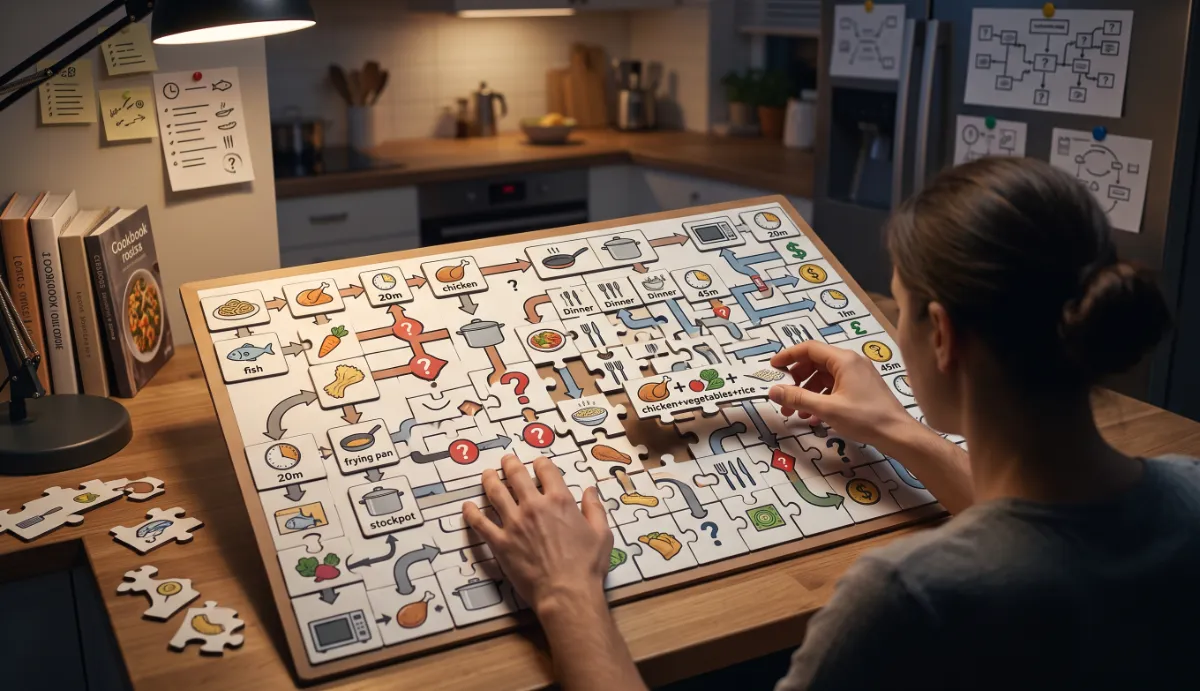
Assembling a week of meals like a jigsaw puzzle on a kitchen table

Deciding what to cook every evening often feels like solving a daily logistical puzzle. Between juggling busy work schedules, sorting through saved links on social media, and trying not to forget essential ingredients at the supermarket, what should be a creative, relaxing routine frequently turns into decision fatigue.

Cooking nourishing meals at home should feel straightforward and enjoyable. As more households look for practical ways to cut grocery expenses, reduce food waste, and streamline their weeknight cooking, modern digital recipe hubs are changing how everyday meals come together.

The Growing Problem

The challenge of modern home cooking is rarely a shortage of ideas—it is managing the sheer volume of fragmented inspiration. Most people stumble upon fantastic dinner ideas across social feeds, food blogs, and group chats, but saving them into an accessible, actionable format remains surprisingly tricky.

When dinner time arrives, tracking down a specific ingredient list often means scrolling past pages of online commentary, banner advertisements, and autoplay videos. When steps are scattered and hard to read, meal preparation takes longer, impulse takeout orders rise, and unused fresh ingredients in the fridge end up going to waste.

The challenge of modern home cooking is rarely a shortage of ideas—it is managing the sheer volume of fragmented inspiration.

Why Traditional Solutions Aren’t Always Enough

Relying on phone screenshots or messy browser bookmark folders makes searching by ingredient nearly impossible. Basic notes apps keep plain text, but they lack the structure required to scale serving sizes, organize shopping trips, or keep track of recipe modifications over time.

Physical recipe binders and handwritten cards are nostalgic, but they cannot travel with you to the grocery store or automatically create itemized lists. A truly practical kitchen assistant needs to bridge digital discovery with hands-on cooking, giving you instant access to clean instructions wherever you are.

What More People Are Looking For

Home cooks and busy households are increasingly turning to dedicated culinary organizers that offer:

  • Distraction-Free ReadingA clean view showing only necessary measurements, ingredients, and directions.
  • Consolidated Recipe StorageA single private hub for both online finds and cherished family recipes.
  • Integrated Grocery PlanningTools that convert planned meals directly into categorized shopping checklists.
  • Cross-Device AvailabilitySeamless synchronization between home desktop planning and mobile grocery shopping.

One Option Worth Exploring

For home cooks looking to take the friction out of meal planning, Copy Me That is an intuitive recipe manager and shopping companion designed to streamline your entire kitchen workflow.

Instead of confining you to a limited in-app recipe catalog, Copy Me That enables you to save recipes directly from virtually any website or supported app with a single click. It strips out web clutter, organizes your dishes into customized collections, and connects your weekly meal plans directly to your supermarket shopping list.
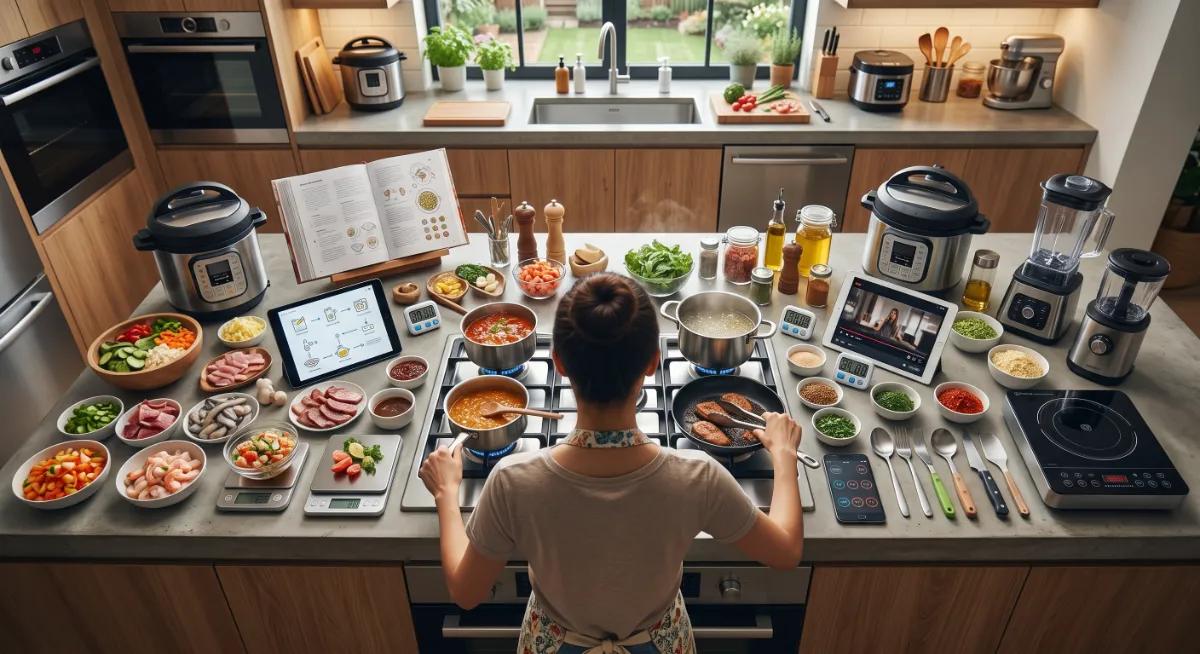
A kitchen counter covered with prepped ingredients, an open cookbook and recipe screens

Who May Benefit

Copy Me That is well-suited for:

  • Busy Parents & Professionals: Looking to eliminate daily dinner stress through organized weekly planning.
  • Budget-Minded Shoppers: Wanting to buy exact ingredient quantities and reduce household food spoilage.
  • Enthusiastic Foodies: Who collect recipes from multiple food blogs, magazines, and culinary creators.
  • Special Diet Planners: Managing specific dietary lifestyles (such as allergen-free, low-carb, or plant-based) across diverse recipe sources.

Things To Consider

While modern recipe organizers make digitizing and organizing recipes quick and seamless, the layout quality of original web sources can occasionally vary. In rare cases where a website uses unusual image formatting or non-standard ingredient layouts, a quick manual edit may be helpful to ensure perfect formatting. Once saved, your customized recipe remains permanently accessible in your personal digital cookbook.

From Link to Shopping List

  1. Find a recipe anywhere

    A food blog, a group chat, a magazine site — wherever the dish turned up, start from the page you are already on.

  2. Clip it in one click

    Ingredients and steps are pulled into a clean, standardised card. The commentary, banners and autoplay videos stay behind.

  3. Drop it into the week

    Drag saved dishes onto the days you plan to cook them, so the dinner question is answered before you get home.

  4. Shop from the aggregate list

    Ingredients from every planned meal combine into one list, grouped by aisle, and travel with you on your phone.

Features Explained Naturally

Copy Me That combines several practical kitchen utilities into one connected platform:

One-Click Recipe Capture

Effortlessly extracts ingredients and step-by-step instructions from food websites, formatting them into clean, standardized cards.

Interactive Recipe Editing

Add personal cooking notes, tweak seasoning measurements, or upload photos of your finished dishes.

Weekly Meal Calendar

Schedule upcoming lunches and dinners with a simple drag-and-drop planner to eliminate last-minute dinner guesswork.

Aisle-Organized Shopping Lists

Automatically compiles ingredients from chosen recipes and groups items by supermarket aisle to speed up shopping.

Screen-Wake Support

Keeps your device screen active while you follow cooking steps, preventing greasy fingers from constantly unlocking your phone.

The Offer at a Glance

Start here

What the app does

  • Clips recipes from virtually any website or supported app in one click
  • Strips web clutter into clean, standardised recipe cards
  • Keeps a permanent private copy, even if the source page disappears
  • Drag-and-drop weekly meal calendar
  • Aisle-grouped shopping lists that aggregate across planned meals
  • Syncs between desktop planning and mobile shopping, viewable offline
See current Copy Me That plans and pricing

Before you sign up

  • Import quality depends on how the original site marks up its recipe — odd layouts may need a quick manual tidy
  • Plan tiers, storage limits and any paid upgrade are listed on the official Copy Me That site
  • Availability and pricing can vary by region and current promotion

Always confirm the current plans, features and terms on the official Copy Me That website before subscribing. This page may earn a commission from purchases made through its links.

Frequently Asked Questions

Can I save recipes from social media and blogs?

Yes, the clipping functionality is built to recognize and import standard recipe formats from a wide range of websites, blogs, and supported social platforms.

What happens if the original website goes offline?

When you save a recipe, a complete copy of the text, ingredients, and instructions is stored in your personal digital collection, ensuring you retain access even if the original webpage changes or disappears.

Can I modify saved recipes to match my personal taste?

Yes. You can edit ingredient quantities, substitute items, add personal cooking notes, and adjust preparation instructions at any time.

Does the grocery list combine ingredients from multiple recipes?

Yes, when you add several planned meals to your grocery list, the organizer helps aggregate ingredients so you know the full quantities needed for your shopping trip.

Can I access my recipes while cooking without an active internet connection?

Once synced to your mobile device, your saved recipes and shopping lists can be viewed offline, making it convenient for cooking in areas with spotty Wi-Fi.

What if a recipe imports with odd formatting?

The layout quality of original web sources can vary. Where a site uses unusual image formatting or non-standard ingredient layouts, a quick manual edit tidies it up, and the corrected version stays in your personal collection from then on.

Ready to Make Weeknight Cooking Easy and Organized?

Putting great food on the table does not have to involve scattered notes, missing ingredients, or dinner-hour chaos. With a centralized recipe manager and integrated shopping planner, you can turn meal inspiration into effortless weekly routines.

Discover how simple it can be to collect your favorite dishes, organize your grocery trips, and bring clarity back to your kitchen.

This page is a paid advertorial brought to you by toravexhub.com. It is intended for promotional purposes only and should not be considered independent journalism, editorial content, or consumer advice. The content has been created or curated by the advertiser and may include affiliate links. We may receive compensation if you choose to purchase a featured product or service via the links provided. Please refer to our Advertising Disclaimer and Privacy Policy for more information.